Open Today Sales: 9 AM-8 PMOpen Today Service: 6:30 AM-7 PM


3255 North Cicero Ave, Chicago, IL 60641
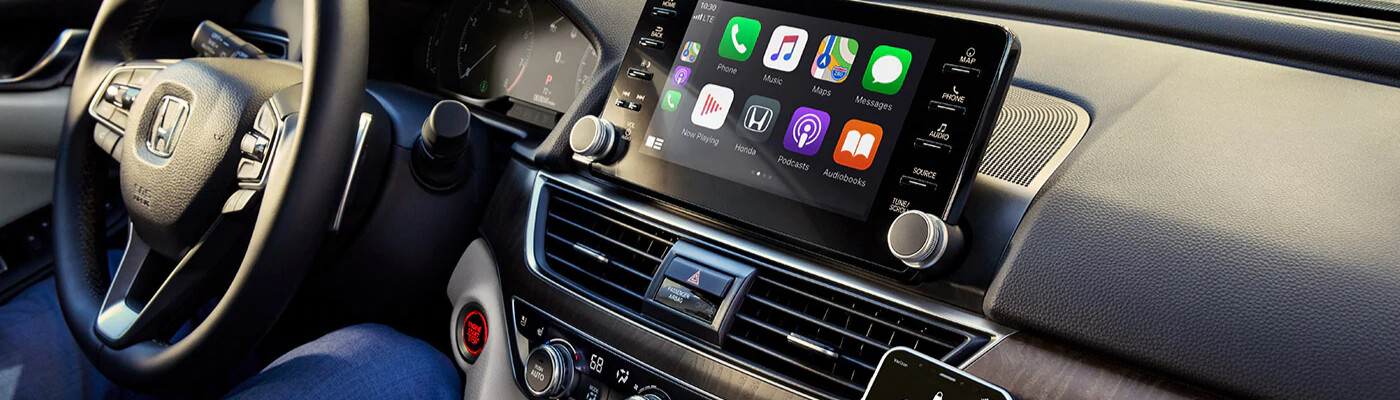
Being able to make calls, receive messages, access apps, and stream entertainment makes any drive around Oak Park better— especially when you can do it all handsfree via Apple CarPlay® or Android Auto™. But first, you need to know how to connect to Apple CarPlay® and how to use Android Auto™ Wireless. Review our guide below to learn more, and then connect with us if you have any questions.
Connecting Apple CarPlay® in your Toyota is a simple process that should only take roughly a minute to complete. Step-by-step instructions are as follows:
If you’re wondering how to use Android Auto™ Wireless, you’ll find that you can do so with or without a USB.
Now you may know how to connect Apple CarPlay® and have a guide for how to use Android Auto™ without a USB, but what happens if you encounter a problem? No need to worry, you can get help with any of your Toyota features and systems with the Victory Toyota of Midtown service center! Simply reach out or schedule an appointment online today!
Author: Victory Toyota of Midtown As electric vehicles (EVs) gain popularity in the Chicago area, many local drivers are eager to understand how they work. At Victory Toyota of Midtown, we leverage our local expertise to clarify the technology behind Toyota’s bZ series, making it accessible for everyone. In this guide, we’ll break down the…
Author: Victory Toyota of Midtown As electric vehicles gain traction in the Chicago area, understanding how the Toyota bZ Woodland fits into your daily life is essential. From charging options to its range and performance, this guide will help you navigate everything you need to know for commuting through neighborhoods like Evanston and Melrose Park,…
Author: Victory Toyota of Midtown The launch of the all-electric Toyota bZ is an exciting development for drivers in Chicago and its surrounding neighborhoods like Melrose Park, Evanston, Skokie, Des Plaines, Franklin Park, and Park Ridge. This guide will help you understand how the bZ fits into your daily routine, from its charging options and…